MarkView
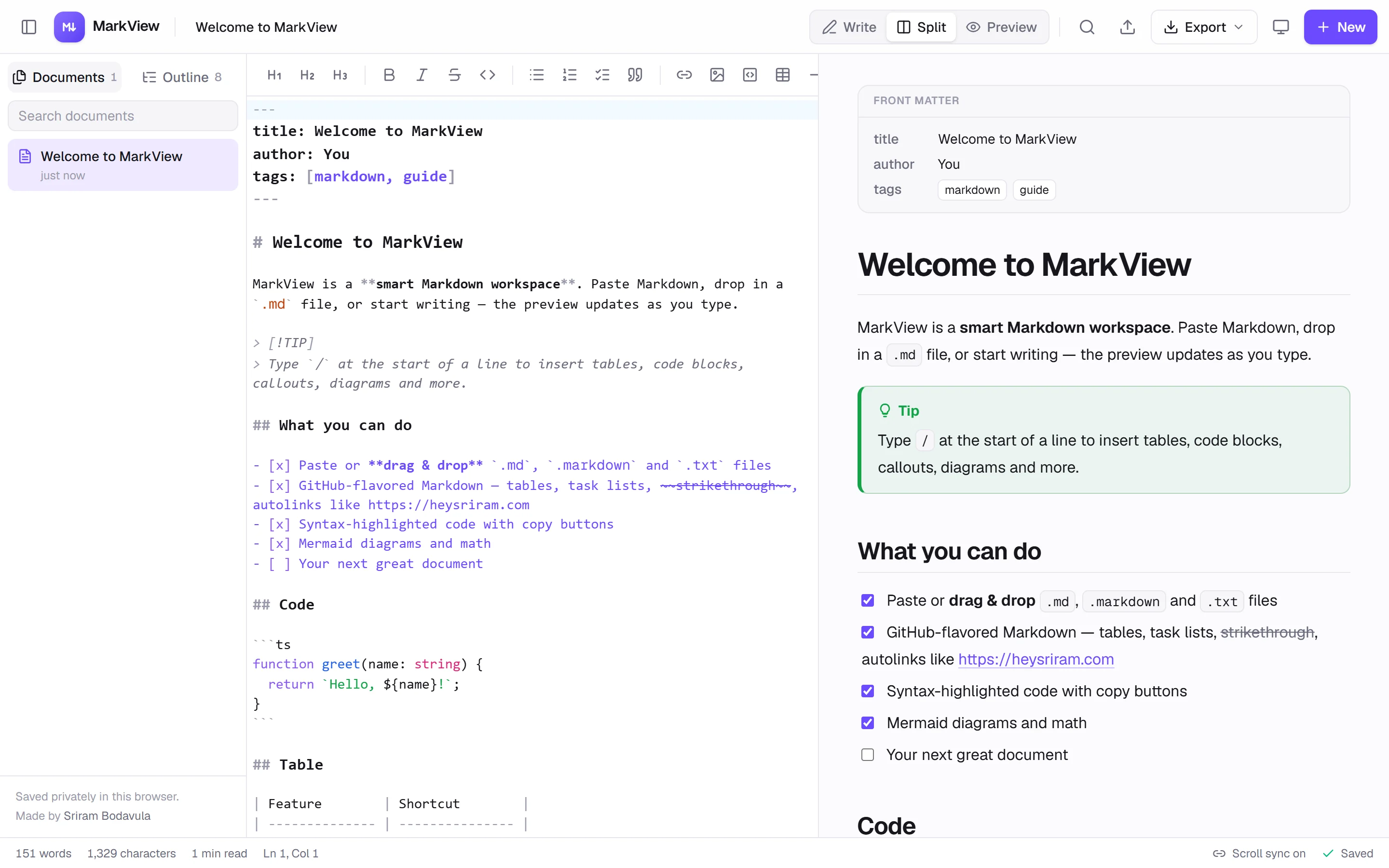
Paste, open or write Markdown and see it beautifully rendered, with slash-command suggestions, diagrams, math, templates and export. Designed and built with AI in a day.
Visit project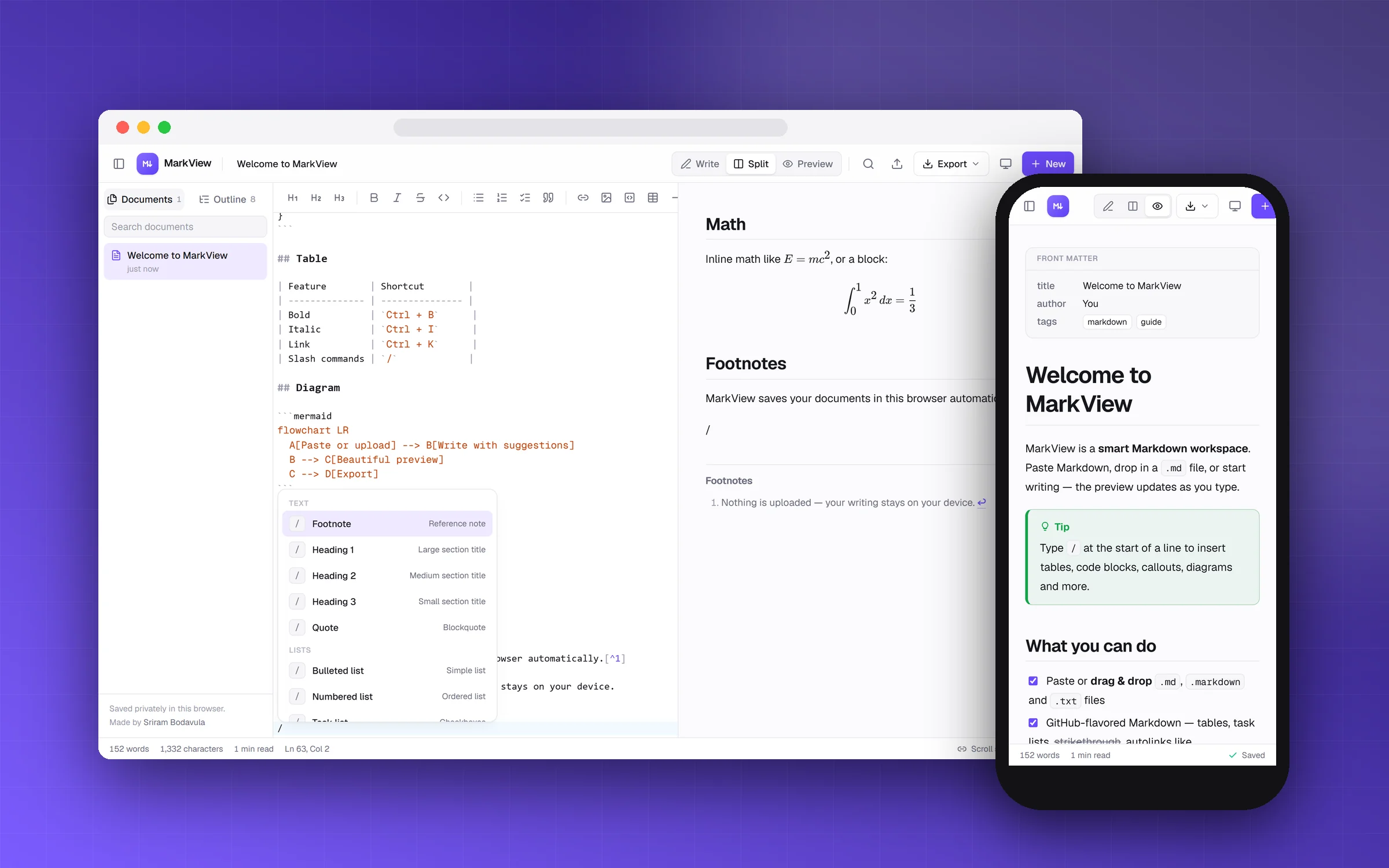
Markdown is everywhere (READMEs, docs, notes), but most tools either only preview it or only edit it, and none help you write it. I wanted one place to paste or open any Markdown file, read it properly, and get suggestions while writing a new one.
- 01
Open anything
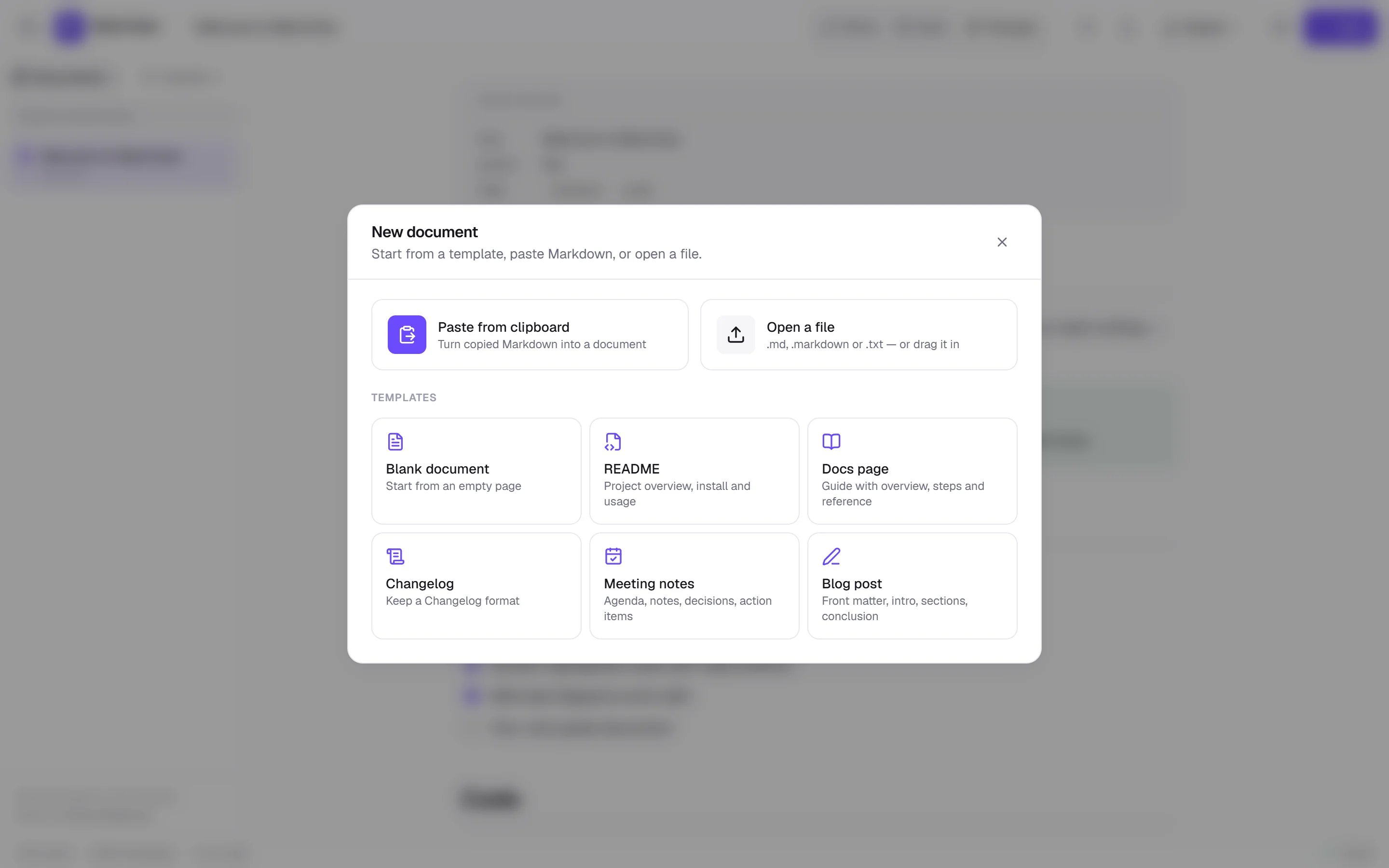
Paste Markdown, open or drag in .md, .markdown and .txt files, or start from a template: README, docs page, changelog, meeting notes or blog post.
- 02
Read it beautifully
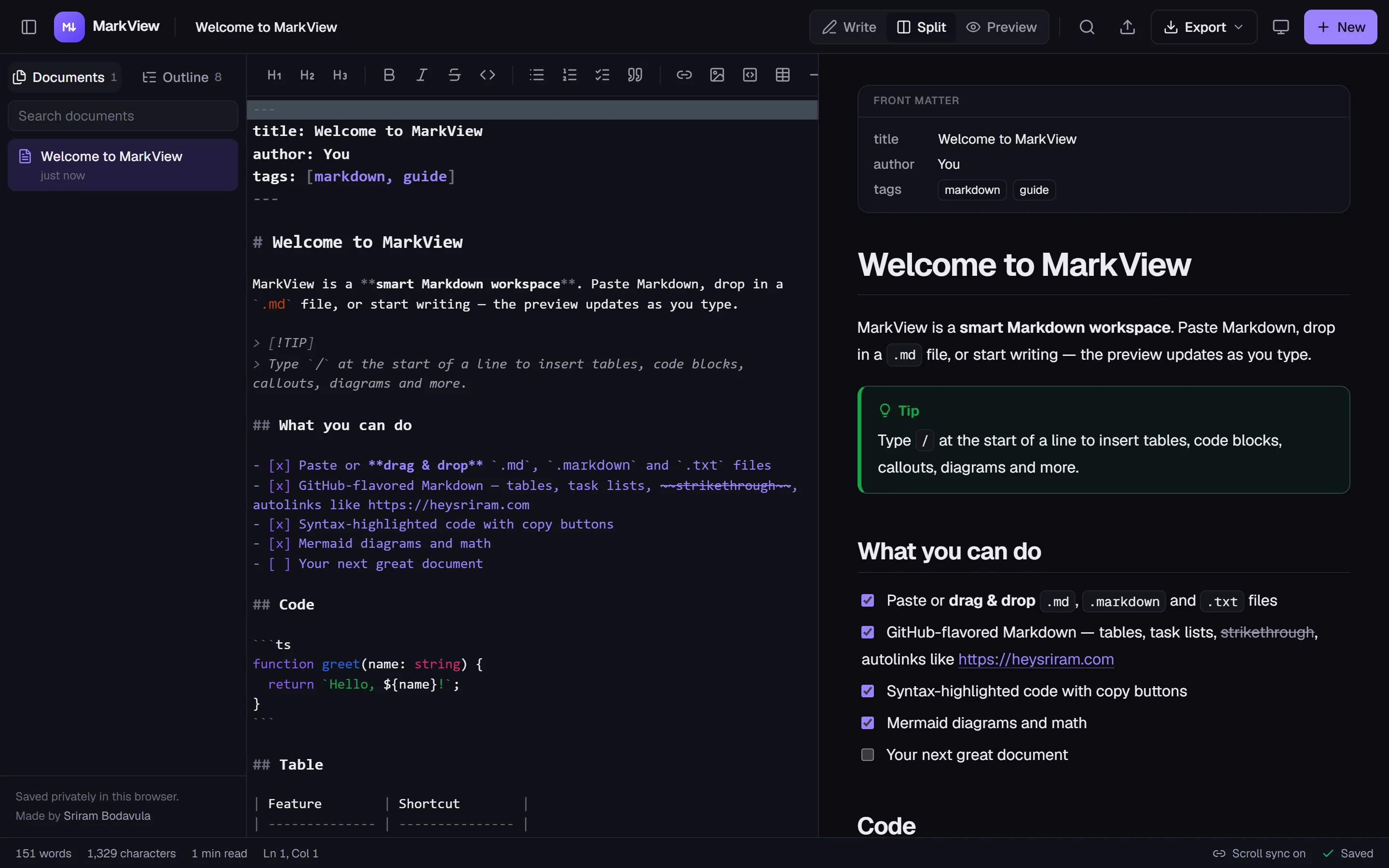
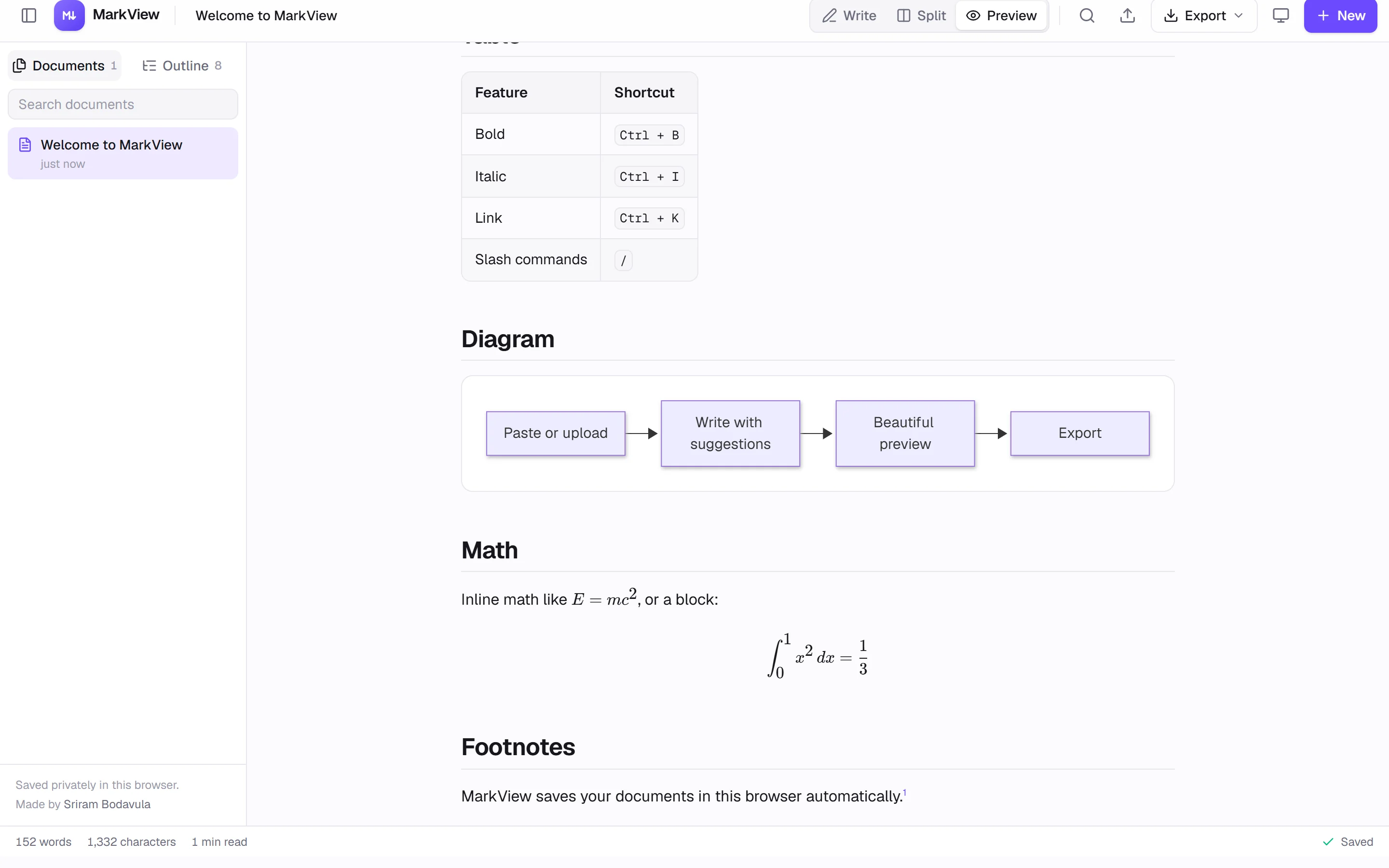
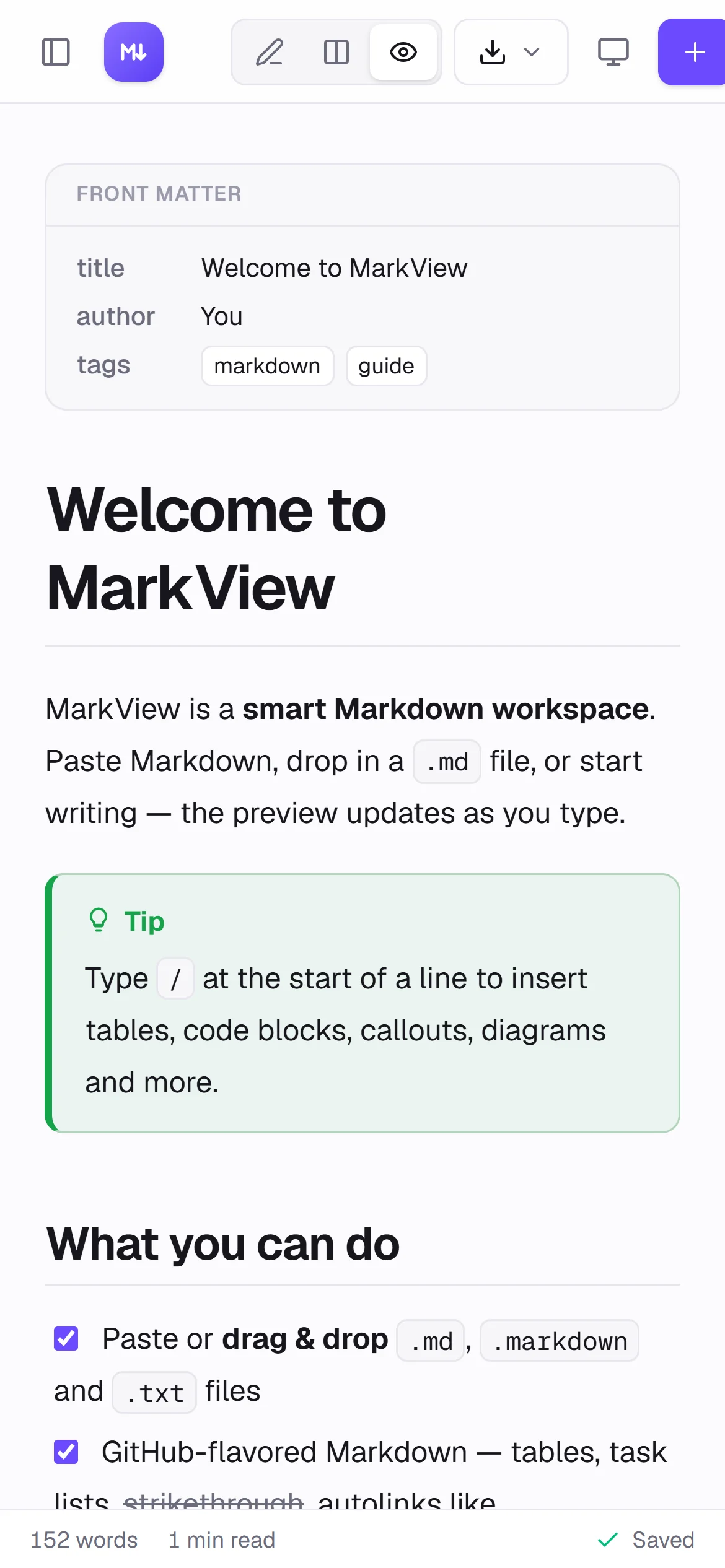
GitHub-flavored Markdown with callouts, Shiki-highlighted code with copy buttons, Mermaid diagrams, KaTeX math, a front-matter card, outline and light or dark themes.
- 03
Write with suggestions
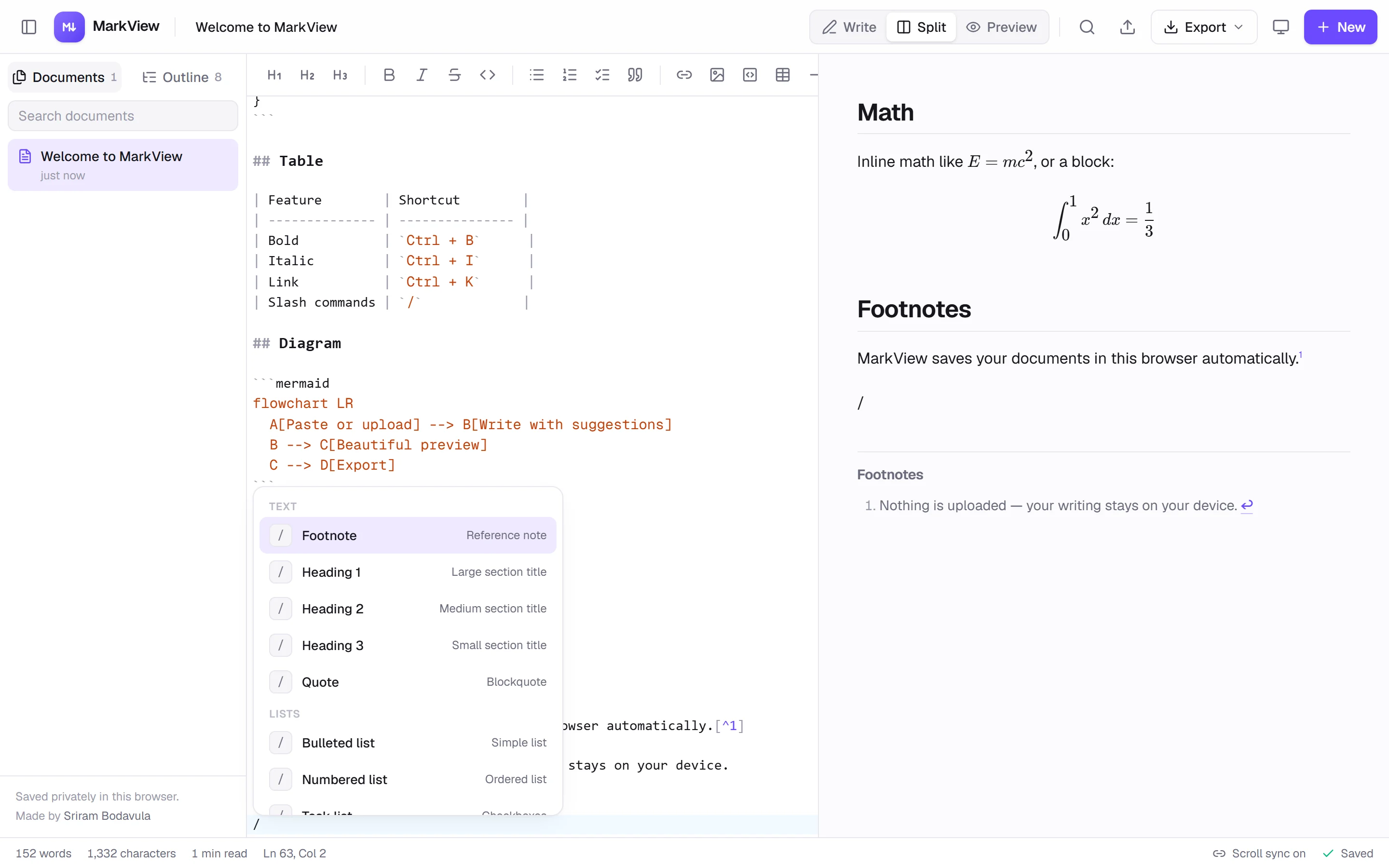
A CodeMirror editor with split view and synced scrolling. Type / for slash commands that insert tables, code, callouts, diagrams and more, with heading-link and code-language completion.
- 04
Take it anywhere
Multiple documents saved privately in the browser, plus export to Markdown, standalone HTML, PDF, or formatted HTML on the clipboard.
- Suggestions while writing matter more than features in a menu.
- Keeping everything in the browser means no accounts and nothing to leak.